
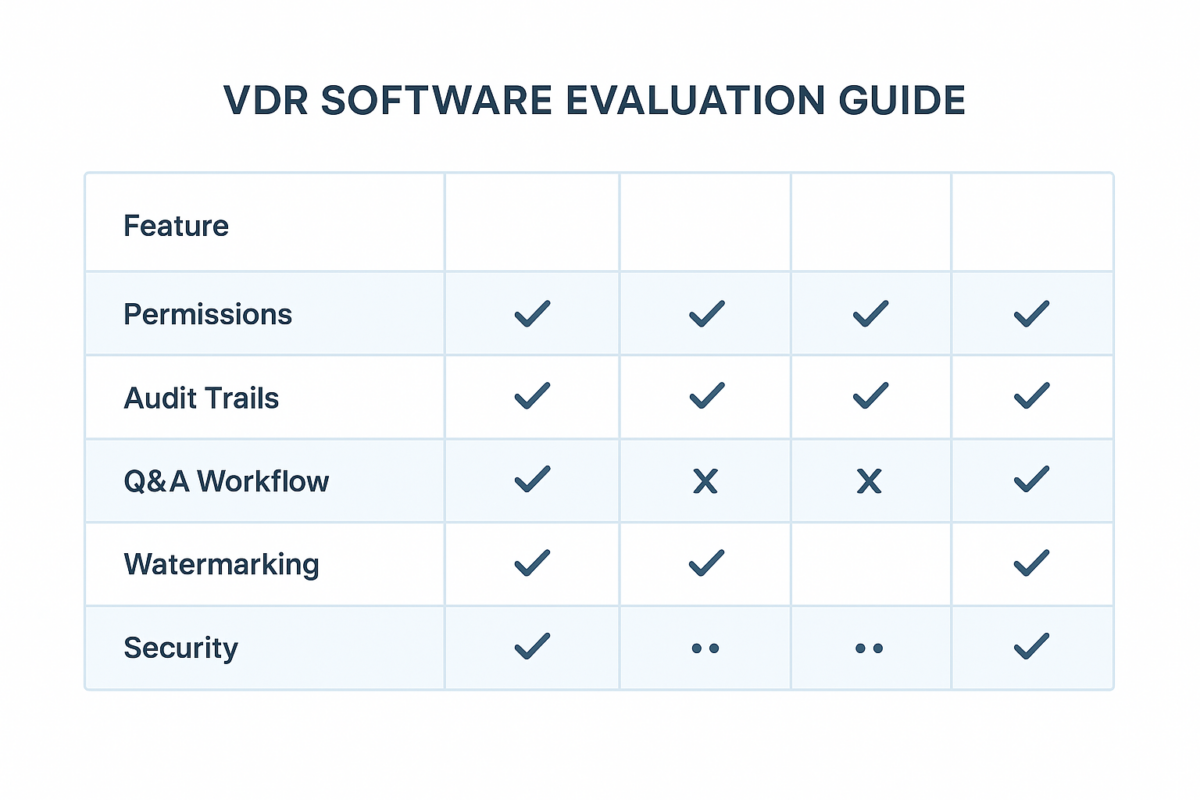
Every VDR vendor demo looks good. The permissions are clean, the audit trails are comprehensive, the Q&A workflow is smooth. The experience after signing the contract — with real documents, real external parties, and real time pressure — is where the differences show up.
This page gives you a practical evaluation framework for VDR software selection that’s based on production use cases, not demo environments.
Why VDR software deserves serious evaluation
A virtual data room becomes the operational hub of your most sensitive work: due diligence, fundraising, board governance, regulatory review. The wrong choice means fighting the tool exactly when you can least afford it.
The human element also matters. The Verizon 2026 DBIR found 48% of breaches involved ransomware, with human error playing a major role in data exposure. A VDR that makes access controls complex increases human error probability. One that makes them simple and auditable reduces it.
What to evaluate (in priority order)
1. Access control granularity
The minimum standard: folder-level and document-level permissions. You need to be able to give a financial adviser access to the financial folder without exposing legal or HR documents.
Look for:
- Group-based permissions (roles, not individual user management)
- Expiry dates on access
- Staged access expansion as diligence progresses
- View-only and no-download modes for sensitive documents
2. Audit trail completeness and exportability
The audit trail is both a security feature and a governance artifact. During diligence, knowing which documents a buyer viewed helps you anticipate questions and prepare responses.
Evaluate:
- How granular is the activity log? (page-level views, not just document opens)
- Can you export the log in a format usable outside the platform?
- How far back does the log go?
- Can you filter by user, document, or time period?
3. Q&A workflow design
The difference between a functional Q&A module and a chaotic email thread determines whether your diligence process runs smoothly or derails.
Essential features:
- Questions assigned to specific owners with due dates
- Status tracking (open, in review, answered)
- Answer visibility control (send to one party or all parties in the room)
- Searchable Q&A archive
4. Bulk upload and organisation tools
You will be uploading hundreds of documents. The difference between a platform that handles this gracefully and one that requires one-by-one uploads is 8–12 hours you don’t have during a live process.
Evaluate: drag-and-drop folder upload, bulk permission assignment, index numbering.
5. Administration overhead
Who on your team will manage the room? Can they reset permissions, add users, and adjust access without a support ticket? Look for clean admin interfaces and good documentation.
The evaluation process (7 steps)
- Define your use case first: fundraising, M&A, ongoing governance, or a combination
- List external parties: how many? which companies? what document access level?
- Prepare a test folder: 30–50 real representative files (not test data)
- Run a permission test: create at least two user groups and validate access boundaries match your expectations
- Test Q&A: create 5 test questions, assign them, answer them, check the workflow
- Test audit trail: review what’s logged after your permission and Q&A tests
- Confirm regional compliance: UK GDPR, US data handling expectations, Canada PIPEDA — verify the vendor has documentation that satisfies your requirements
Common VDR vendors (names you’ll encounter)
Ansarada, Datasite (formerly Merrill), iDeals, Intralinks, Firmex, CapLinked, and Citrix ShareFile are among the established providers. Newer entrants have disrupted pricing in the mid-market. Features matter more than brand — run the 7-step evaluation regardless of name recognition.
What VDRs don’t replace
A VDR handles controlled document sharing and Q&A. The rest of the deal stack typically includes:
- eSignature: DocuSign, Adobe Acrobat Sign
- Project management: Asana, Monday.com, Jira
- Financial modelling: Excel, Google Sheets, Power BI
- Collaboration (internal only): Microsoft Teams, Slack
For the document organisation that makes your VDR effective, start with how to organise your business data.
FAQ
For transactions and governance-sensitive sharing: yes, significantly. Shared drives lack audit trails at the granularity needed, can’t watermark documents, and don’t have structured Q&A workflows. For internal team collaboration: shared drives are fine.
Enterprise platforms used for large M&A transactions are typically $1,000–$5,000+ per month during an active deal. Mid-market and startup-focused platforms have significantly lower entry pricing. The right comparison is cost vs. professional fees saved and risk reduced